 EN
EN






















































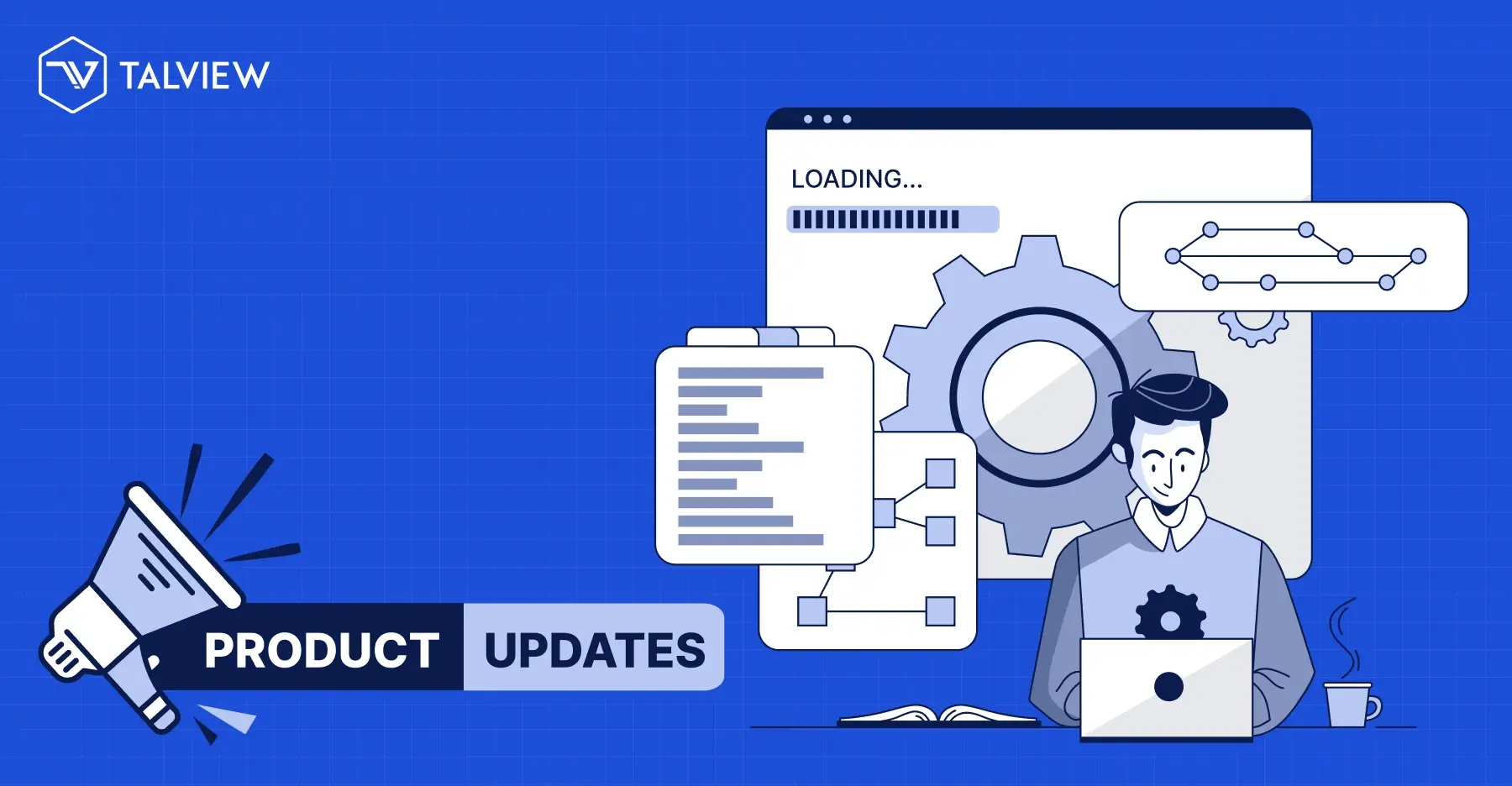
Kicking off 2026 with hiring workflows that run smoother, faster, and smarter. Talview's December 2025 releases deliver exactly that. From AI-powered resume parsing to seamless assessment integrations and proctoring upgrades, these updates tackle real pain points in high-volume recruiting. Whether you're managing drive-day events or scaling assessments, here's how we're making talent acquisition effortless.
Workflow Tools & Scheduling / Screening
Recruiters spend too much time hunting for candidates in crowded pipelines. Our latest workflow tools updates fix that with precision filters, automation, and instant insights.
- Start with Candidate Filtering in the "All" View (Beta). Now, filter by step-level status right in the All view no more manual scrolling through high-volume workflows. Narrow searches across stages in seconds, saving hours on navigation.
- Pair it with Advanced Filters in the Screening Step (Beta). Sort by candidate status (Invited, Completed, Selected), evaluation status, or added date ranges. Make quicker decisions without endless lists.
- Automation shines in Workflow Automation – Auto-Assign Evaluators (Alpha). Evaluators get assigned instantly when candidates hit the Assessment step. This cuts delays, boosts pipeline speed, and nails SLAs. Upcoming auto-reminders will take it further.
- For field events, Drive-Day & Drive-Series Report Exports (Alpha) let you download .xlsx files packed with candidate details, assignments, statuses, and metrics. Perfect for offline reviews during large hiring drives.
- Public-facing flows got a lift too. Enhanced Public Registration Flows (Beta) add start/end dates, instant QR codes/links, and clearer unpublish options. Plus, External Instruction Links in Assessment Emails (Alpha) embed your help articles (defaults to Talview Help Center) without template tweaks.
These tools mean focused control in scheduling and screening, from drives to early evaluations.
Assessment Engine & Candidate Experience:
Candidates deserve frictionless experiences; recruiters need ironclad integrity. December brought assessment engine upgrades that blend both.
Proctoring for Microsoft Forms via CX (Alpha) embeds MS Forms in our CX interface with full proctoring. No app-switching candidates stay put while you reuse existing forms securely.
Psymetrics Assessment Integration folds Psymetrics tests into blueprints natively. Add them directly; results flow through your workflow alongside others. Design and execute assessments in one unified spot.
Proctoring & Interview Rooms
We fixed key friction points to keep sessions rock-solid.
In Proctoring, Extension Installation Validation blocks exam access without the Proview extension. Clear warnings and a direct Chrome Web Store link guide students refresh to proceed. A Moodle 4.5 bug fix ensures student names/emails show in Live Proctoring playback across all types.
Interview Rooms bug fixes polish the experience:
-
Ask AI prompts in Interview Builder now generate readable text, not JSON.
-
Toaster messages correctly show "Environment check progress" instead of false "incomplete" alerts.
-
Hover the 360° button for a "No images captured" tooltip.
-
Whiteboard collaboration works seamlessly with image additions.
These tweaks ensure glitch-free interviews and proctored sessions.
Why These Updates Matter for Your 2026 Hiring
Talview's December sprint betas, alphas, and fixes powers AI-driven recruitment, automated workflows, and proctored assessments like never before. Reduce manual work, speed decisions, and scale drives confidently.





Leave a Reply